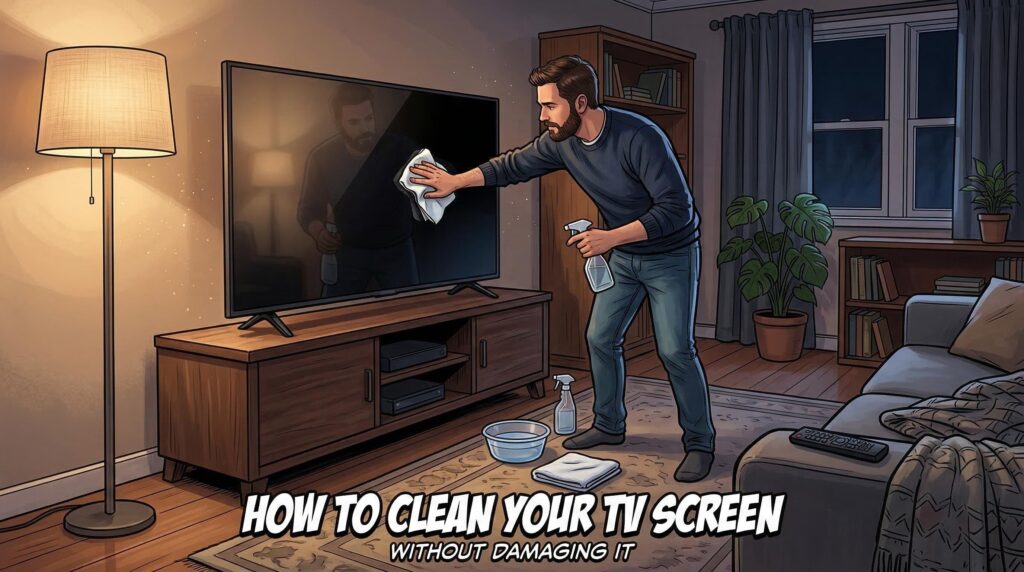

I’ve ruined a screen before. Not catastrophically — no cracks, no drama — but I noticed it a few weeks after the fact. A faint, almost ghostly haze in the upper left corner that wasn’t there before. I’d used a glass cleaner. Just once. Just a little. And that was enough to permanently dull the anti-glare coating on a TV I’d had for less than a year.
That experience changed how I think about this stuff.
The Thing Nobody Tells You When You Buy a TV
Modern displays — whether you’re looking at an OLED, a standard LED panel, or one of those fancy QLED screens — are genuinely fragile in ways that aren’t obvious from the outside. There’s sometimes less than a millimeter of material between the surface your finger touches and the actual pixel layer underneath. That’s not a lot of room for error.
Most people assume that a screen is like a window. It’s not.
Windows are made of glass that can handle pressure, heat, and a wide range of cleaning chemicals. TV panels are coated with delicate anti-reflective and anti-glare layers that react badly to almost everything in your cleaning cabinet. The problem is the packaging on those products never says “destroys TV coatings” — so people find out the hard way, usually after several months when the damage has quietly built up.
What You Actually Need (It’s Embarrassingly Simple)
The Only Tool Worth Trusting
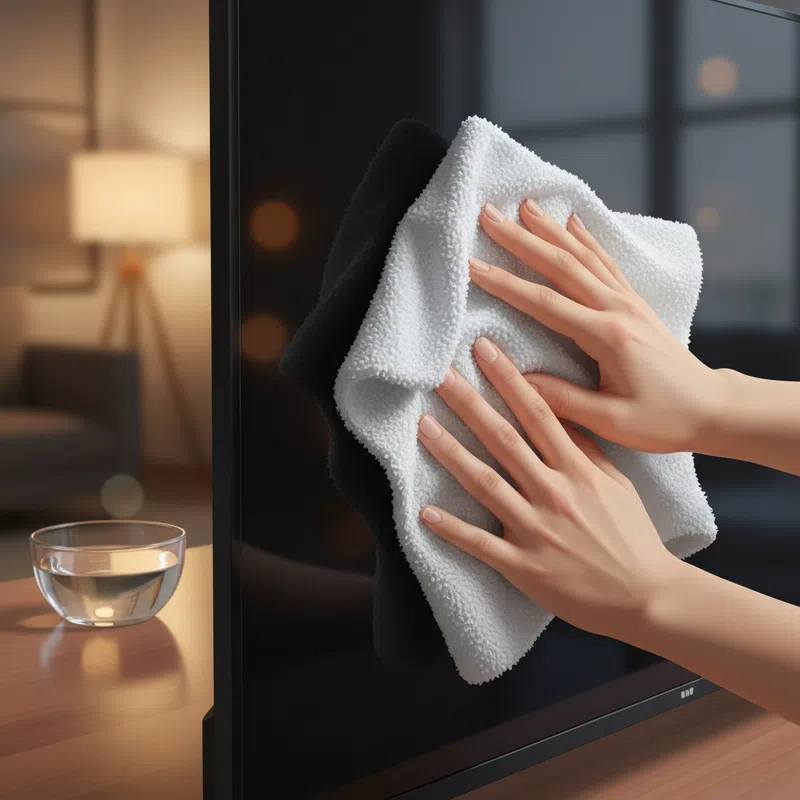
A microfiber cloth. That’s it. The kind you’d use on eyeglasses or a camera lens — soft, lint-free, and gentle enough to not leave anything behind. I keep two: one completely dry, one barely dampened.
If you’re reaching for paper towels right now, stop. Paper towels feel soft to the touch but they’re surprisingly abrasive at a microscopic level. Same goes for tissues, kitchen rags, and those “cleaning cloths” that come with some appliances. They all leave micro-scratches that accumulate over time and make your picture look slightly wrong — not broken, just… off.
When a Dry Cloth Isn’t Enough
Sometimes there’s a fingerprint or a smudge from cooking that just won’t lift. In that case, distilled water is your best friend. Not tap water — tap water has minerals in it that leave deposits and streaks. Distilled water is cheap, widely available, and genuinely makes a difference.
For really stubborn spots — like if something oily actually got on the screen — a single drop of pH-neutral dish soap dissolved in a bowl of distilled water works. Applied indirectly. To the cloth first, never the screen.
I know that sounds overly cautious. But liquid that drips into the frame around a screen can seep through and reach the electronics behind it. That’s not a hypothetical — it happens, and it usually looks like a dark spreading stain that gets worse over weeks.

The Chemicals That Will Quietly Wreck Your Screen
What’s Definitely Off the Table
Alcohol. Ammonia. Bleach. Acetone. Windex. Basically anything you’d instinctively reach for to clean a surface that isn’t a TV.
These aren’t just moderately risky — they actively dissolve the protective coatings that manufacturers apply to panels. Once that coating is gone, it’s gone. You’ll see it as a haze, a discoloration, or those oddly circular “blind spots” that look like water damage even when there’s no water involved. Citric acid and vinegar fall into this category too, despite occasionally showing up in DIY cleaning guides online. Some sources suggest a diluted vinegar mix, but the technical reality is that acid — even mild acid — is not something a TV coating is designed to handle.
Disinfectant wipes are also a problem, by the way. I used to think they were fine because they feel gentle. They’re not — the chemicals in them are formulated for hard, non-porous surfaces, not optical coatings.
The Part People Skip: Ventilation
Dust Is a Bigger Problem Than You Think
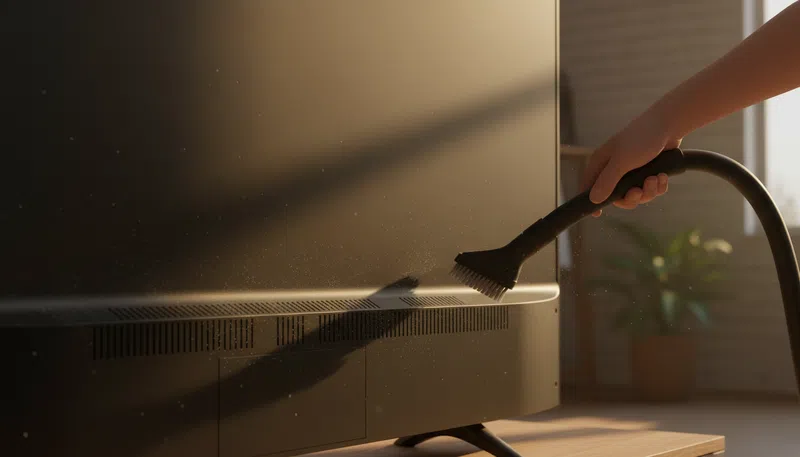
The screen gets all the attention, but the vents on the back and sides of a TV matter just as much for keeping it working long-term. Dust accumulates on circuit boards and semiconductors, and it acts as an insulator — it traps heat that the electronics need to dissipate. Over time, that heat buildup accelerates aging and can eventually cause circuit failure.
In humid environments, dust gets worse. Moisture makes it conductive.
Once a month, go over the vents with a vacuum on its lowest suction setting. That’s really all it takes. What you want to avoid is compressed air — it feels intuitive, like blowing dust away, but high pressure can push particles further into the housing or behind internal films, causing image distortions that are genuinely permanent.
The frame and body of the TV can be wiped with a dry cloth too. If there’s something stuck to it, a slightly damp cloth followed immediately by a dry one works fine. The main thing is not letting moisture sit anywhere.
When the TV Won’t Connect to Wi-Fi
A Sequence That Actually Helps
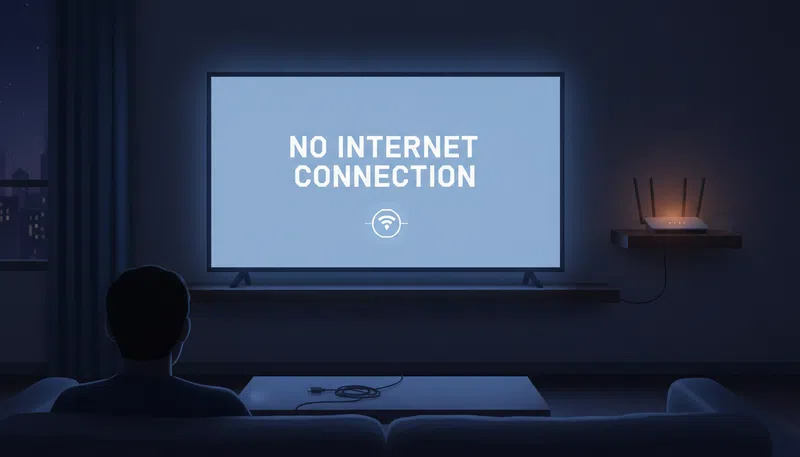
This is a little off the cleaning topic, but it comes up constantly and the fix is almost always the same: power cycle everything in the right order.
Unplug the modem and router first. Then the TV. Wait about sixty seconds — not ten, actually sixty. Plug the modem back in, wait until it stabilizes, then the router, then the TV. That sequence matters because the devices need to re-establish their connection handshake properly.
If that doesn’t work, check whether anything is plugged into the TV’s USB ports. USB drives can occasionally interfere with the network connection process in ways that don’t make obvious sense but are well-documented enough that it’s worth ruling out. Also confirm that the TV’s date and time settings are correct — an incorrect time zone can actually prevent authentication with some networks.
One test worth doing: try connecting to a phone hotspot instead of your home network. If the TV connects to the hotspot fine, the problem is with your router or ISP, not the TV. That narrows things down considerably.
One Last Thing
The remote control gets ignored in almost every cleaning guide, but it’s probably the most-touched object in the room. A cloth with a tiny bit of the same distilled water and neutral detergent solution works fine. If you’ve ever had batteries leak inside one — that white crystalline buildup — clean the compartment thoroughly before putting new ones in, otherwise the corrosion keeps spreading.
Honestly, most of this comes down to one principle that took me longer than it should have to internalize: when in doubt, use less. Less pressure, less moisture, less product. The screens that hold up the longest are almost always the ones that got the least aggressive cleaning.
Whether that feels anticlimactic or not is kind of beside the point.