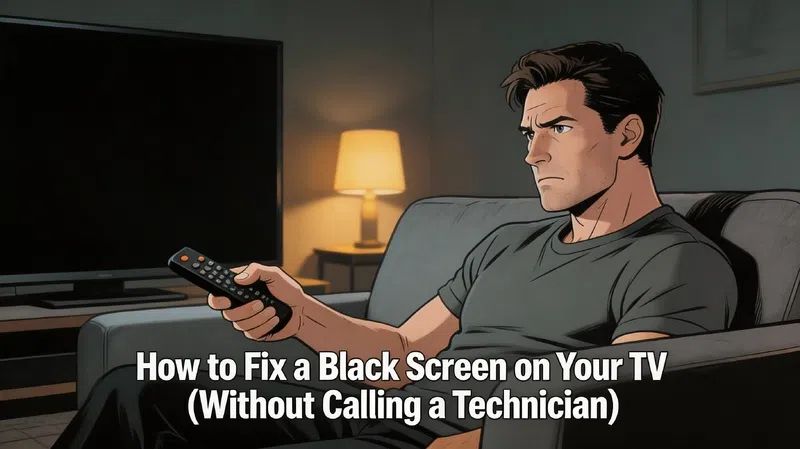

It happened on a Friday night. I sat down, turned on the TV, heard the familiar startup chime, and got absolutely nothing. Just black. The kind of black that makes your stomach drop a little, especially when you’re not in the mood to deal with it.
I spent about twenty minutes convinced the thing was dead. It wasn’t.
A black screen on a TV is one of those problems that looks catastrophic and sometimes isn’t. Not always, but often enough that it’s worth going through a few steps before you start Googling replacement prices.
Start Here Before You Do Anything Else
The single most useful thing you can do in the first five minutes is figure out whether your TV is actually receiving a signal or whether the screen just isn’t showing it.
These are two very different problems with very different solutions.
The Flashlight Test (It Sounds Weird, It Works)
Grab your phone flashlight or any bright torch. Dim the room, turn the TV on, and press the flashlight right up close to the screen at an angle.
If you can see a faint image, even a barely visible menu or logo, your TV backlight has failed. The TV is technically working. It’s just not lighting up the image it’s already producing. That’s actually good news because backlights are fixable, and the screen itself is probably fine.
If there’s nothing at all, no ghost image, no outline, completely empty, the problem is likely deeper. We’ll get to that.
Sound but No Picture
This one narrows things down fast. If your TV is playing audio normally but the screen stays black, the main processing board is doing its job. Something in the display chain is broken, but the TV is not dead. In my experience, this specific combination almost always points to the backlight system or the T-Con board.
The Resets People Skip
I know. You’ve probably already tried turning it off and on again. But there’s a version of that process most people never actually do, and it genuinely works more often than it should.
The Proper Power Discharge
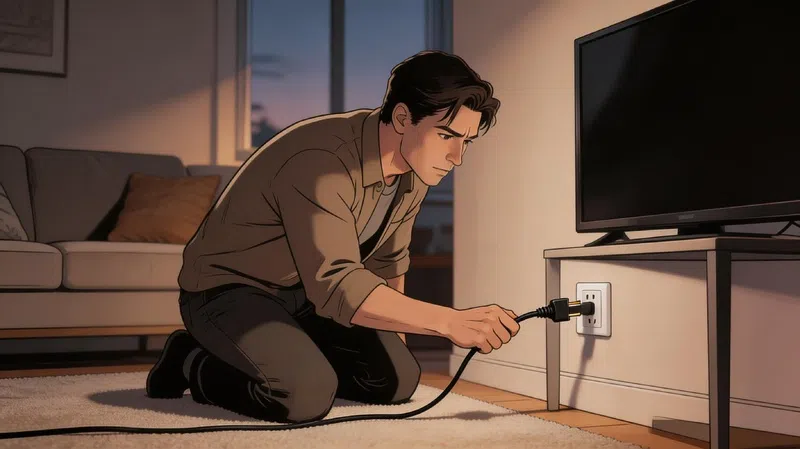
Unplug the TV from the wall socket completely. Not standby, not power button off. Fully unplugged.
Wait 60 seconds. Then, while it’s still unplugged, press and hold the physical power button on the TV itself (not the remote) for about 30 to 45 seconds. This drains the residual charge sitting in the capacitors and forces the internal circuits to actually reset, not just sleep.
Plug it back in and try again.
If you’re dealing with an LG TV specifically, there’s a variation where you hold the physical power button, then plug the unit back in while still holding it for around 10 seconds. Some users have reported this triggers a soft reset without wiping saved settings.
For really stubborn issues, particularly HDMI handshake failures, leaving the TV completely unplugged overnight has worked. It sounds excessive. But trapped electrical charge in certain circuits can cause the TV to get stuck in a loop it can’t exit on its own.
HDMI Is the Culprit More Often Than You’d Think
HDMI signal failure is genuinely one of the leading causes of a black TV screen, and it’s one of the easiest things to fix. Disconnect the cable at both ends, wait a few seconds, reconnect it firmly. Try a different HDMI port on the TV. Try a different cable entirely if you have one.
After a power outage or surge, some TVs also default back to the wrong input automatically. Manually cycle through your inputs even if the screen looks completely blank.
When It’s Actually Hardware
Okay. You’ve done the resets. You’ve tested the inputs. You did the flashlight test and found nothing. Now we’re getting into the territory where physical components need to be looked at.
This doesn’t automatically mean expensive. But it does mean the problem is more specific.
| Component | Common Symptom | Repair Difficulty |
|---|---|---|
| HDMI Cable | Black screen with audio working | Very Low |
| Backlight (LED Strips) | Faint image visible in flashlight test | High |
| T-Con Board | No image, or vertical lines on screen | Medium |
| Main Board | Stuck on logo, not responding to inputs | Medium |
| Power Board | No standby light, zero power response | Medium |
The T-Con Board
This is the board that takes the processed signal from the main board and tells the LCD panel what to actually display. When it fails, the backlight might still be on (you’ll see a glow) but the screen shows nothing, or shows colored vertical lines, or only half the screen renders.
T-Con boards are replaceable on most TVs. You’ll need the exact model number. The ribbon cables connecting it to the panel are fragile though, worth noting before you decide to open anything up.
Backlight Strips
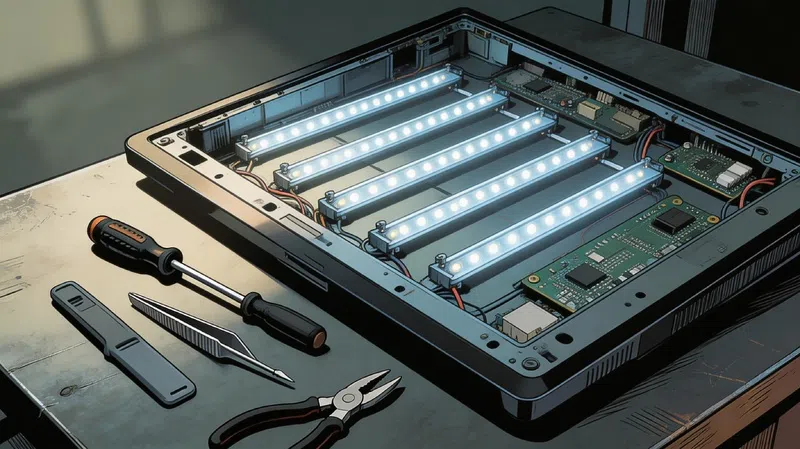
If the flashlight test showed a faint image, individual LED backlight strips have likely failed. One dead LED in a series can shut down an entire strip. Replacement involves fully disassembling the screen panel, which is labor-intensive but not impossible for someone patient and careful.
Before replacing strips, test the power board first. If the board isn’t sending the right voltage to the LEDs, new strips won’t solve anything.
When You Should Probably Just Call Someone
There’s a point where the honest answer is: this isn’t a weekend DIY project anymore.
If the physical panel glass is cracked or damaged, replacing it typically costs more than the TV is worth. If your TV is still under warranty, opening the chassis will void it instantly. And if neither the reset procedures nor the flashlight test gave you any useful information at all, the fault is probably on the power board or main board at a component level, which requires proper diagnostic equipment and soldering skills most people don’t have at home.
It’s also worth saying that sometimes a TV just dies. Heat damage over years, a bad power surge, age. Not every black screen has a solution that makes financial sense.
A Few Things That Prevent This
Using a quality surge protector is probably the single most underrated thing you can do for your TV’s long-term health. Voltage spikes from thunderstorms or grid fluctuations can quietly damage regulator components over time, or corrupt firmware in a single event.
Firmware updates matter too. A corrupted update mid-process is a real cause of boot failures and black screens. If your TV prompts you to update, let it finish completely. Don’t assume it’s frozen and pull the plug.
Ventilation is the other thing. TVs that run hot for years develop HDMI handshake problems and component wear much faster. If your TV is in an enclosed cabinet with no airflow, that’s worth reconsidering.
For further reading on TV maintenance and repair, you might find these resources useful:
- iFixit TV Repair Guides — community repair guides with photos
- FCC Consumer Help Center — guidance on electronics and warranties
- Energy Star TV Tips — power and settings guidance
- Consumer Reports TV Reliability — brand reliability data
- Rtings.com TV Tests — independent panel and hardware testing
FAQs About Black Screen on TV
Q: My TV turns on (I can hear it) but the screen is black. Is it broken? Not necessarily. This specific symptom, sound with no picture, strongly suggests the backlight or T-Con board has failed, not the TV as a whole. Start with the flashlight test and a full power discharge before assuming the worst.
Q: How long should I leave my TV unplugged to fix a black screen? At minimum 60 seconds. For HDMI or software-related issues, some people have had success leaving it unplugged overnight (8 to 10 hours) to allow a full system discharge.
Q: Can a firmware update cause a black screen? Yes. If the TV loses power during a firmware update, the software can become corrupted, which may cause boot failures or a persistent black screen. Some manufacturers offer recovery modes for this scenario.
Q: Is a black screen always expensive to fix? Not always. HDMI issues, power resets, and even T-Con board replacements can be inexpensive. Backlight replacement is labor-intensive but the parts themselves are often affordable. Panel damage is the expensive scenario.
Q: Should I open the TV myself? Only if the warranty is expired, you’re comfortable handling sensitive electronics, and you’ve properly grounded yourself. Ribbon cables inside TVs are extremely fragile. If you’re unsure, a local repair technician is worth the consultation fee.
Q: What causes a TV to suddenly go black mid-use? Common causes include overheating (the TV shuts itself off as protection), a failing backlight driver, an unstable power supply, or an HDMI device sending a bad signal. If it happens repeatedly, check ventilation first, then look at your connected devices.