
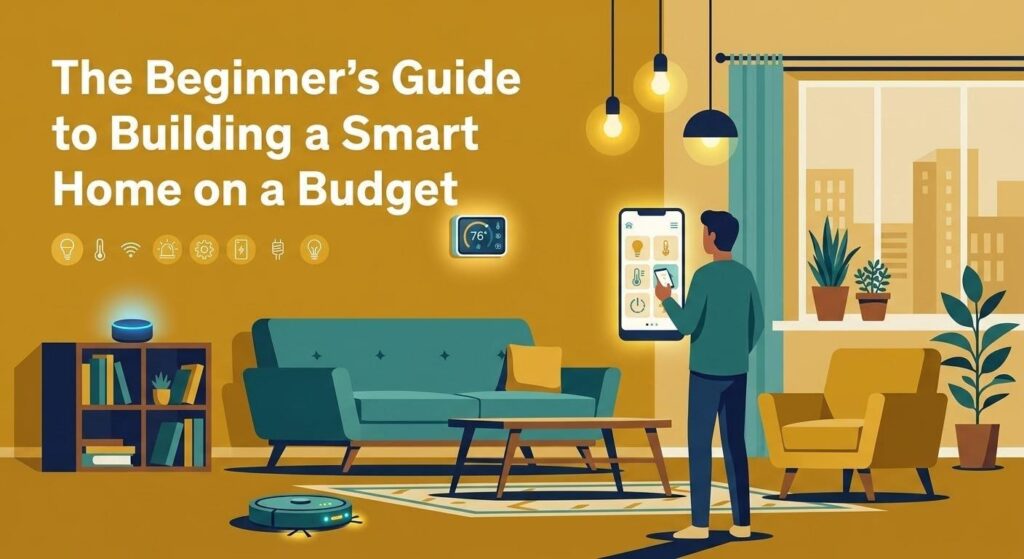

I bought my first smart bulb because it was on sale for four dollars. That was it — no grand plan, no vision for a connected home. Just a cheap bulb and a vague curiosity. Three years later I have automations running for lights, climate, and security, and I think I’ve spent somewhere around $200 total. Maybe a bit more. I honestly stopped keeping exact track.
The point is, this stuff doesn’t have to cost what the marketing makes it look like it costs.
Start With What Actually Bothers You
Most beginner guides tell you to “plan your ecosystem first.” And yeah, that matters — but I’d argue the better starting question is simpler: what’s the one thing in your home that mildly irritates you every day?
Leaving lights on in empty rooms? Getting up to adjust the thermostat at night? Forgetting whether you locked the front door? Start there. A $15 smart plug or a $10 bulb solves a real problem immediately, and that early win keeps you from buying a bunch of stuff you don’t actually need.
The mistake most people make is going all-in too fast. They buy a hub, a starter kit, four bulbs, two plugs, a doorbell camera, and a thermostat in one weekend, then spend the next month frustrated that half of it doesn’t talk to the other half properly.
The Ecosystem Question (Without Overthinking It)
Here’s the short version: if you’re on a tight budget, Amazon Alexa is almost certainly your best starting point. It works with more third-party devices than anything else — we’re talking over 100,000 compatible products — and Alexa-compatible hardware goes on sale constantly.
Google Home has better voice understanding, genuinely. If you ask it something with slightly awkward phrasing it usually still figures out what you mean. It also integrates more naturally if you’re deep into Android.
Apple HomeKit is excellent if you care about privacy and local processing and you’re already in the Apple ecosystem. But the hardware costs are noticeably higher.
There’s also Matter now — a newer universal standard that lets one device work across all platforms at the same time. It’s not everywhere yet, but if you’re buying something new in 2026 and you see “Matter-certified” on the box, that’s worth paying a small premium for. It future-proofs your purchase.
What to Actually Buy First
A functional starter setup doesn’t require much. In my experience, three things cover most of the practical value you’ll get from a smart home in the early stages:
A smart plug is the most underrated entry point. The Kasa Mini and TP-Link Tapo P125M both come in under $15 and let you automate any “dumb” device — a lamp, a fan, a coffee maker — without replacing it. Schedule it, voice-control it, tie it to a routine. Done.
One or two smart bulbs for the room you’re in most. Presence-sensing bulbs that detect actual occupancy rather than just motion have gotten genuinely good and genuinely affordable. Worth the small upgrade if you can find them on sale.
A smart thermostat if you own your home and plan to stay a while. This one actually pays for itself — energy savings of around 20–26% annually are realistic, and at current energy prices that often means the device pays itself off within a year or two.
That’s it to start. Resist the urge to do more until those three things are running smoothly and you understand how they fit together.
The Network Problem Nobody Warns You About
Here’s something I wish someone had told me early on: a smart home is only as stable as the Wi-Fi underneath it.
Most people add five, ten, fifteen smart devices to their existing ISP-provided router and then wonder why things randomly stop responding or automations fail at odd times. The router that came with your internet package was not designed to manage that many simultaneous low-traffic connections.
The fix isn’t necessarily expensive. Putting your ISP’s router into “modem mode” and adding a dedicated mesh system — something like the Amazon Eero Pro or TP-Link Deco — makes an enormous difference. And separating your network bands helps too: 2.4GHz for the smart devices, 5GHz for your phones and laptops.
It sounds technical. It’s mostly just a one-time setup thing.
Security on a Budget — It’s Gotten Surprisingly Good
DIY home security has come a long way. You don’t need a monthly contract or professional installation for a setup that actually works.
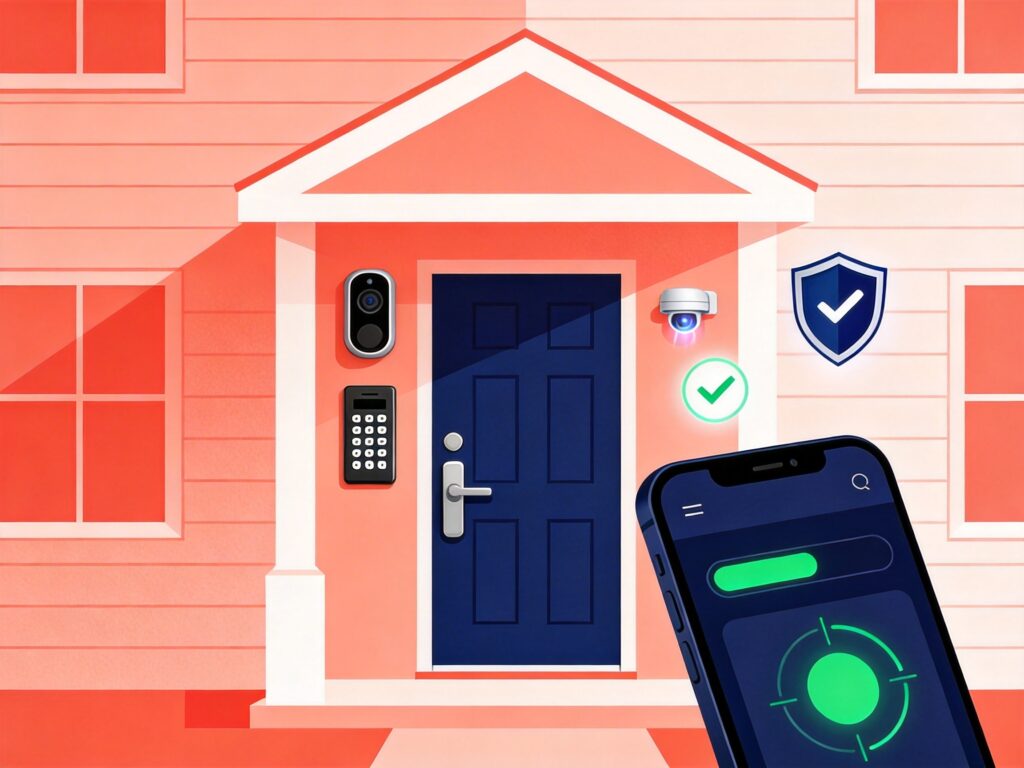
SimpliSafe is still the easiest DIY option — everything arrives labeled and clips together without tools. For people who want more flexibility across different protocols, Abode iota works with Zigbee, Z-Wave, Alexa, Google, and HomeKit simultaneously, which is rare.
For cameras, the Blink Video Doorbell has gone on sale for as low as $30. Pair it with a Sync Module and local USB storage and you skip the monthly cloud subscription entirely. Google Nest Cam (battery version) gives you 2K resolution and genuinely smart notifications — it knows the difference between a person and a car, which matters more than I expected when I first used it.
Smart locks are worth mentioning here too. The Aqara U100 and Schlage Encode Plus both offer keyless entry and work with the major ecosystems. Less about convenience, honestly, more about the quiet peace of mind of never wondering if you locked the door after leaving.
The Refurbished Angle Most People Ignore
Buying refurbished smart home hardware — especially voice assistants, hubs, and displays — is one of the most effective ways to cut costs without sacrificing much.
A refurbished Echo Show from a reputable seller with a 12-month warranty is functionally identical to a new one. Same with older-generation smart speakers. The technology in a 2022 hub hasn’t gotten worse — it just got cheaper.
And one genuinely useful trick I’ve used myself: mount an old tablet in the kitchen as a permanent smart home dashboard. Disable the screen timeout, put it in landscape mode, and you’ve got a large touchscreen interface for camera feeds, thermostat controls, and lighting scenes. A 2015 iPad Pro does this perfectly well. That approach eliminates the $200–$300 cost of a dedicated display without actually giving anything up.
One Protocol Note Before You Buy Anything Else
If you start mixing devices from different brands — which you will — understanding the basic protocol differences saves a lot of frustration later.
Zigbee is flexible and cheap but runs on 2.4GHz, which means it can interfere with Wi-Fi in crowded signal environments. Z-Wave runs on a sub-GHz frequency, which means zero interference and better range — it’s worth using for anything security-related. Matter is what you want for anything new you’re buying today.
The practical advice: use Z-Wave for door sensors and security devices, Zigbee for budget lighting and cheap sensors, and Matter for anything you’re buying new going forward. That combination — a bit inelegant, maybe — is actually what most experienced people end up with anyway.
You don’t have to get it perfect from the start. Nobody does.